
ボーカルと楽器を分離Separate Vocals and Instruments
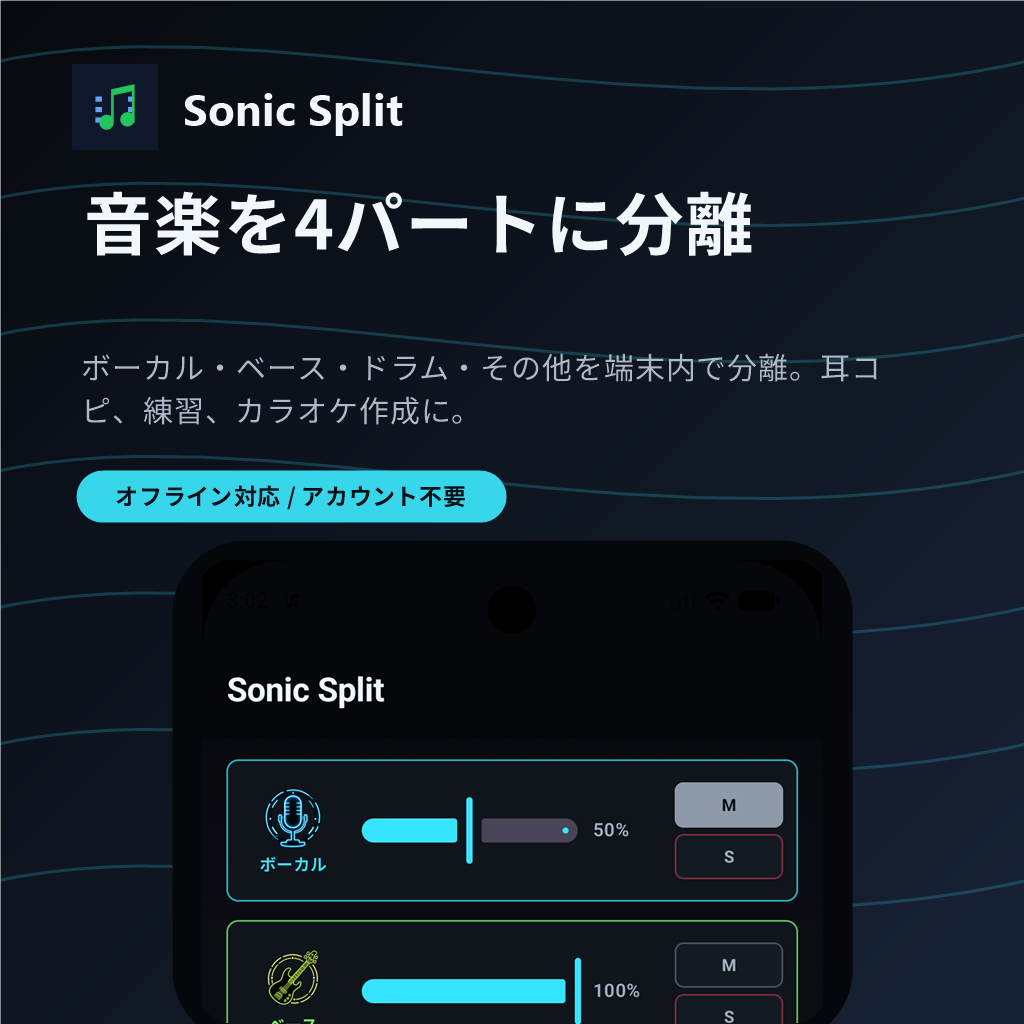
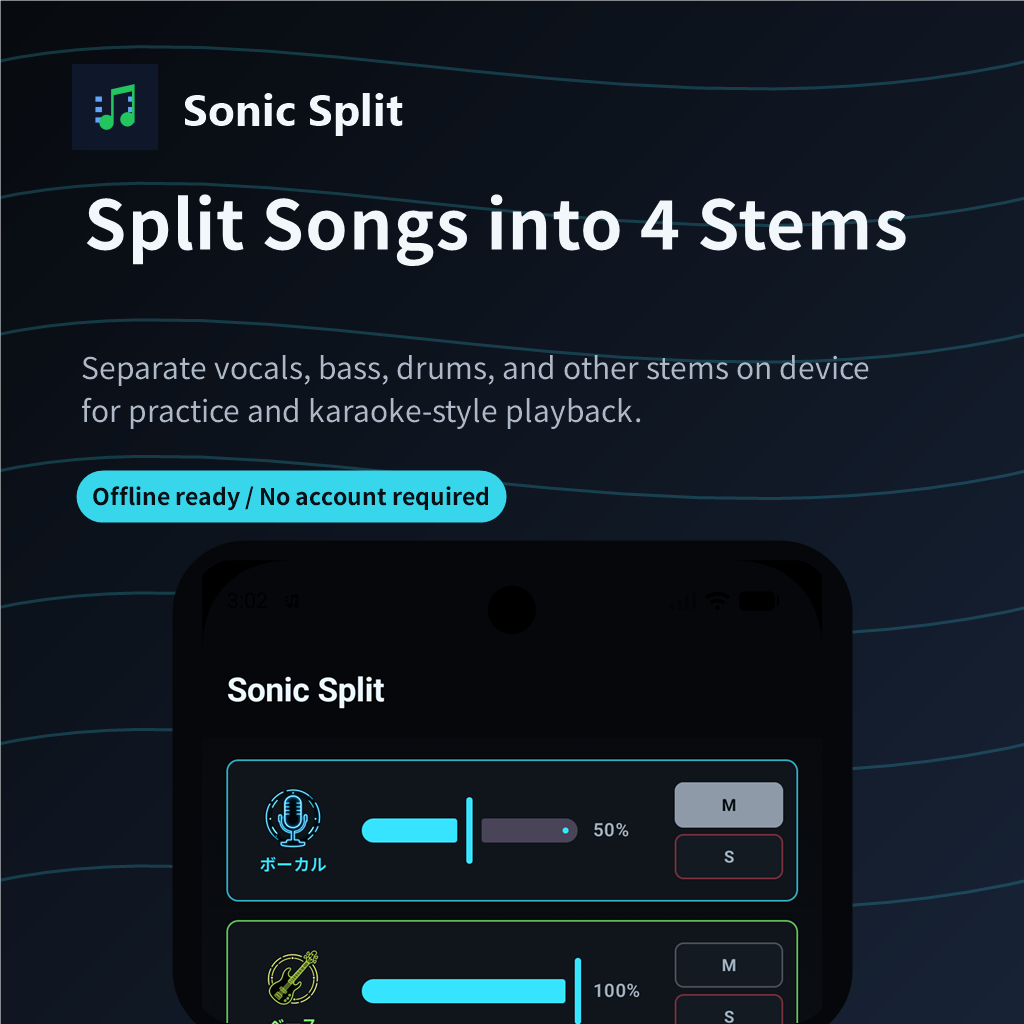
ボーカル、ドラム、ベース、その他の4パートに分けて、曲の構成や各パートの鳴り方を確認できます。Split a song into four stems (vocals, drums, bass, and other) to check the song structure and how each stem sounds.
Android source separation app
ボーカル、ドラム、ベース、その他を端末内で4パートに分離。耳コピ、カラオケ風再生、楽器練習のために、曲の中身をパートごとに聴き分けられます。 Split vocals, drums, bass, and other into four stems on the device. Listen through each stem for ear training, karaoke-style playback, and instrument practice.
About
オーディオファイルを選ぶだけで4つのパートに分離します。処理はオフラインで行われ、アカウント登録なしで利用できます。 Just choose an audio file to split it into four stems. Processing runs offline, and you can use it without account registration.
ボーカル、ドラム、ベース、その他の4パートに分けて、曲の構成や各パートの鳴り方を確認できます。Split a song into four stems (vocals, drums, bass, and other) to check the song structure and how each stem sounds.
生成されたパートを同じタイミングで再生し、ミュートやソロで聴きたいパートへ集中できます。Play generated stems at the same timing, then use mute and solo to focus on the stem you want to hear.
有料版では速度調整とA/Bループを使い、難しいフレーズを繰り返し練習できます。In the paid version, use speed control and A/B loop to practice difficult phrases repeatedly.
有料版では各パートの音量を調整し、現在のバランスでミックスを書き出せます。In the paid version, adjust stem volume and export a mix with your current balance.
選択した音源や処理結果は開発者サーバーへ送信されません。詳しくはプライバシーポリシーに記載しています。Selected audio and processed results are not sent to the developer's server. See the Privacy Policy for details.
MP3、M4A/AAC、FLAC、WAV、OGGなどAndroid標準機能でデコードできる形式を扱えます。Supports formats Android can decode, including MP3, M4A/AAC, FLAC, WAV, and OGG.
Demo
Workflow
端末内の楽曲ファイルを選びます。分離直前に44.1kHz stereo PCMへ正規化します。Pick a song file on your device. Before separation, the app normalizes it to 44.1kHz stereo PCM.
標準モデルでパートを生成します。処理時間は端末性能や曲の長さによって変わります。The standard model creates stems. Processing time depends on device performance and song length.
ミュート、ソロ、音量、速度、A/Bループを組み合わせて練習や耳コピに使えます。Use mute, solo, volume, speed, and A/B loop controls for practice and ear training.
Feature List
| 機能 | 体験版 | 有料版 |
|---|---|---|
| 標準音源分離モデル | ||
| 4パート分離(ボーカル / ドラム / ベース / その他) | ||
| パートごとのミュート | ||
| パートごとのソロ再生 | ||
| パートごとの音量調整 | ||
| 再生速度調整 | ||
| A/Bループ | ||
| 分離済み曲のアプリ内保存 | ||
| 調整後のWAV書き出し | ||
| 広告非表示 |
| Feature | Trial Version | Paid Version |
|---|---|---|
| Standard source separation model | ||
| Four-stem separation (vocals / drums / bass / other) | ||
| Mute each stem | ||
| Solo playback for each stem | ||
| Volume adjustment for each stem | ||
| Playback speed control | ||
| A/B loop | ||
| Save separated songs in the app | ||
| Export adjusted WAV | ||
| Remove ads |
体験版の分離結果は一時的に扱われ、アプリ再起動時や新しい音源の読み取り時に古い音源および処理結果が削除されます。Trial separation results are temporary. Older source audio and processed results are deleted when the app restarts or a new source audio file is loaded.
Audio formats
Android標準のMediaCodecでデコードできる一般的な音声ファイルを対象にしています。Sonic Split targets common audio files that Android MediaCodec can decode.
Policy
音源は端末内で処理され、開発者サーバーへ送信されません。プライバシーポリシーとオープンソースライセンスを別ページで確認できます。Audio is processed on the device and is not sent to the developer's server. Privacy and open source license details are available on separate pages.